


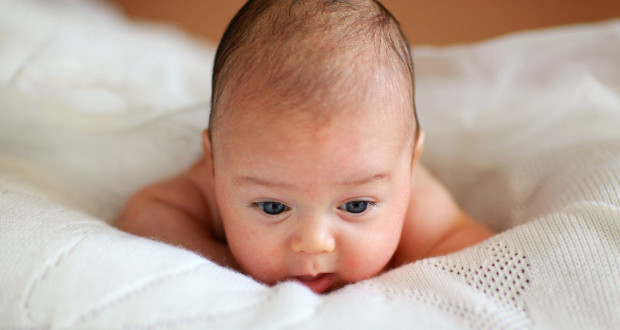


If you want to learn about Photoshop Editing and Make your picture look like cartoon then follow these steps :)
1.Open Photoshop 7.0 And Then Open A Pic of You,
2.Click on Layer And Duplicate it,
3.Click Normal (DropDown Menu) And Select ' Colour Dodge',
4.Now Press Ctrl+Alt+i,
5.Now (At The Top) Click Filter > Blur > Gaussian Blur > Set Value 7.0 > Ok,
6.Now Again (At The Top) Click Layer > New Adjustment Layer > Threshold > Set Value 234 > Ok,
7.Now Create A New Layer > Click Normal (DropDown Menu) And Select Multiply,
8.Now Paint Your Pic With Brush (Choose The Colours You Wish To Use)
9.Your Pic is Ready !!!
(Example is Below) :

Read More »
1.Open Photoshop 7.0 And Then Open A Pic of You,
2.Click on Layer And Duplicate it,
3.Click Normal (DropDown Menu) And Select ' Colour Dodge',
4.Now Press Ctrl+Alt+i,
5.Now (At The Top) Click Filter > Blur > Gaussian Blur > Set Value 7.0 > Ok,
6.Now Again (At The Top) Click Layer > New Adjustment Layer > Threshold > Set Value 234 > Ok,
7.Now Create A New Layer > Click Normal (DropDown Menu) And Select Multiply,
8.Now Paint Your Pic With Brush (Choose The Colours You Wish To Use)
9.Your Pic is Ready !!!
(Example is Below) :
Read More »


